Blog

How to Buy Online in South Africa: A Step-by-Step Guide

How to buy Online in South Africa - Step by step guide

How to Buy Online in South Africa A Step-by-Step Guide

Step 1: Choose a Trusted Online Store

How to Buy Online in South Africa A Step-by-Step Guide

Before you start shopping, it's important to choose a reliable and reputable online store. Here are some popular options in South Africa:

  • Takealot: One of the largest online retailers in South Africa, offering a wide range of products.
  • Amazon: A global giant with a vast selection of goods.
  • Makro Marketplace: Known for its bulk sales and wide variety of goods.
  • Bobshop (formerly BidorBuy): A marketplace for new and used items from various sellers.
  • Taketocart: Our own store, offering a curated selection of products.

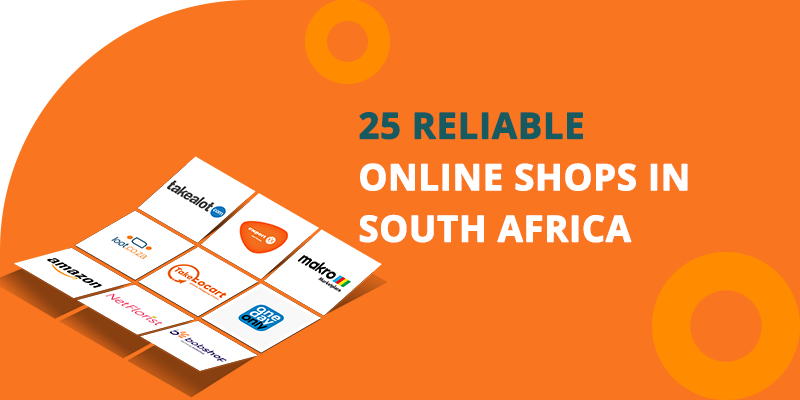
Check for customer reviews and ratings to ensure the site is trustworthy. For a more comprehensive list of trustworthy online stores, check out this article:25 Reliable Online Shops in South Africafor a Safe and Convenient Shopping Experience.

Step 2: Create an Account

Most online stores require you to create an account before making a purchase. This helps in tracking your orders and saves your preferences for future shopping. Here's how to do it:

  1. Go to the website of your chosen store.
  2. Click on the "Sign Up" or "Register" button, usually found at the top right corner.
  3. Fill in your personal details such as name, email address, and phone number.
  4. Create a strong password and follow any additional instructions to complete the registration.
How to Buy Online in South Africa A Step-by-Step Guide

Step 3: Browse and Select Products

How to Buy Online in South Africa A Step-by-Step Guide

Once your account is set up, you can start browsing the website for products you want to buy. Use the search bar or navigate through categories to find items. When you find something you like:

  1. Click on the product to view more details.
  2. Check the product description, specifications, and customer reviews.
  3. If you’re satisfied, click the “Add to Cart” or “Add to Basket” button.

Step 4: Review Your Cart

After adding items to your cart, it's a good idea to review them before proceeding to checkout. Ensure that you have selected the correct sizes, colors, and quantities. You can usually find your cart icon at the top right corner of the website.

How to Buy Online in South Africa A Step-by-Step Guide

Step 5: Proceed to Checkout

When you’re ready to complete your purchase:

  1. Click on the cart icon and select “Checkout” or “Proceed to Checkout”. You may be prompted to log in if you haven’t already.
  2. Enter the address where you want your order to be delivered. Make sure to include accurate details to avoid any delivery issues. Some websites also offer the option to choose a pickup point.
How to Buy Online in South Africa A Step-by-Step Guide

Step 6: Choose a Payment Method

Online stores offer various payment options, including:

  • Credit/Debit Card: Enter your card details securely.
  • EFT (Electronic Funds Transfer): Follow the instructions for making a bank transfer.
  • Cash on Delivery (COD): Available with certain stores for added convenience.
  • Third-Party Services: Such as PayFast, Ozow, or SnapScan.

Ensure the website uses secure payment gateways to protect your financial information.

How to Buy Online in South Africa A Step-by-Step Guide

Step 7: Review and Confirm Your Order

Before finalizing your purchase, double-check all the details:

  • Items in your cart
  • Shipping address
  • Payment method

If everything is correct, click the “Confirm” or “Place Order” button.

Step 8: Track Your Order

After placing your order, you should receive a confirmation email with your order details and a tracking number. Use this tracking number to monitor the status of your delivery.

Tips for Safe Online Shopping

  • Use Secure Websites: Look for “https” in the URL and a padlock symbol in the address bar.
  • Strong Passwords: Use complex passwords and avoid using the same password for multiple sites.
  • Be Wary of Scams: Avoid deals that seem too good to be true and do not share personal information unnecessarily.
  • Keep Records: Save confirmation emails and take screenshots of your order details.

Conclusion

Online shopping in South Africa is a convenient way to get the products you need from the comfort of your home. By following this step-by-step guide, you can ensure a safe and hassle-free shopping experience. Happy shopping!

Leave a Reply

Your email address will not be published. Required fields are marked *